Build a Tower Codes Checked 30 October 2026
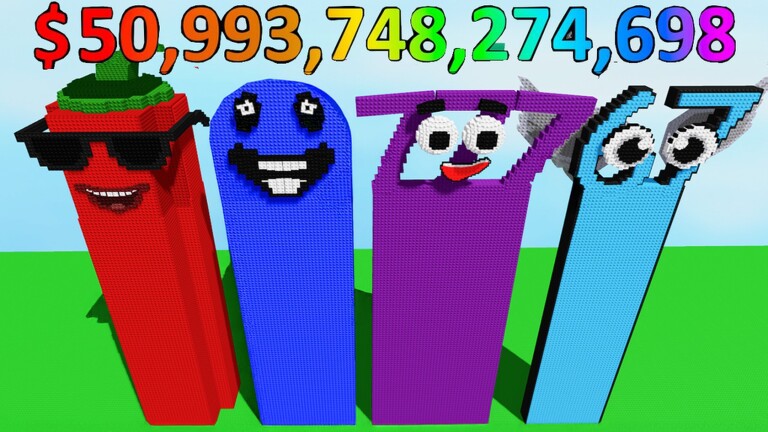
Build a Tower is a Roblox building game about constructing your own tower, earning cash for your progress and checking out other players' creations. Codes give free Cash to fund bigger and better towers.
▶ Play Build a Tower on Roblox
Active Build a Tower codes (3)
| Code | Reward |
|---|---|
T5UPDATE | 20,000 Cash |
T4UPDATE | 18,000 Cash |
Tower | 18,000 Cash |
How to redeem Build a Tower codes

Launch Build a Tower on Roblox.

Click the Shop button on the left of the screen.
Scroll down to the bottom of the Shop window.

Enter a working code in the Enter Code... text box.

Hit the green Redeem button to claim your cash.
Why is a code not working?
Most failed codes are expired, typed with a typo, or already redeemed on your account. Codes are usually case-sensitive, so copy them exactly as shown, and check the requirements section on this page.
Expired Build a Tower codes
Build a Tower codes — FAQ
What are the newest Build a Tower codes?
The newest confirmed Build a Tower code is T5UPDATE, which gives 20,000 Cash. This page lists 3 active codes, cross-checked against several trackers on 30 October 2026.
How do I redeem Build a Tower codes?
Launch Build a Tower on Roblox. Click the Shop button on the left of the screen. Scroll down to the bottom of the Shop window. Enter a working code in the Enter Code... text box. Hit the green Redeem button to claim your cash.
Why is my Build a Tower code not working?
Most failed codes are expired, typed with a typo, or already redeemed on your account. Codes are usually case-sensitive, so copy them exactly as shown, and check the requirements section on this page.
More Roblox codes
Saber Showdown codes · Car Flipper codes · Slap codes · Steal an Anime codes · Animal Fighters RNG codes · Sail Your Boat codes · One Piece Grand Arena codes · Sand To Rich codes · The Cul De Sac codes · Exoria codes · Anime Power Tycoon codes · Roanoke codes · All 1202 Roblox code lists →
Never miss a new code! 📌
Follow Codes Hub on Pinterest — we pin every new Roblox code list as soon as it drops, so free rewards never expire on you.
One click and you follow us straight away — you stay on this page.