Titan Simulator X Codes Checked 30 October 2026
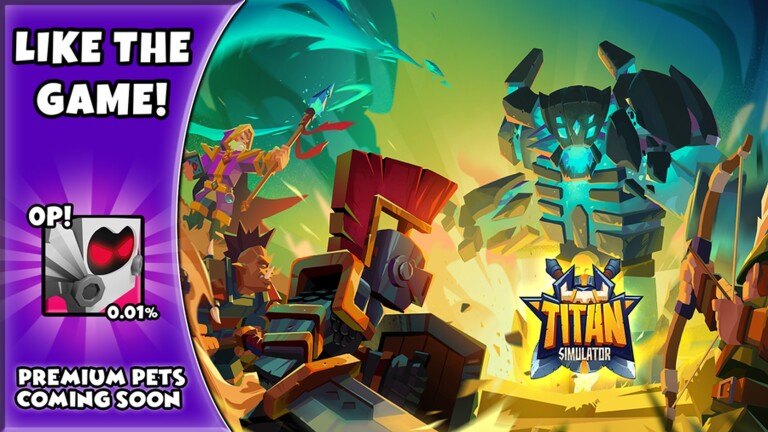
Titan Simulator X is a Roblox training simulator by DoomFrog Games where you auto-train your Power, hatch pets, rebirth and hunt down Titans from goblins to colossal bosses. Its codes give Wins for rebirths and pets, plus Gems for upgrades.
▶ Play Titan Simulator X on Roblox
Active Titan Simulator X codes (3)
| Code | Reward |
|---|---|
Launch | 500 Wins |
Caves | 50,000 Gems |
Fire | Gems |
How to redeem Titan Simulator X codes

Launch Titan Simulator X on Roblox.

Tap the Shop icon on the left side of the screen.
Scroll down to the Codes section.

Type a code into the text box.

Click Redeem to claim your prize.
Why is a code not working?
Most failed codes are expired, typed with a typo, or already redeemed on your account. Codes are usually case-sensitive, so copy them exactly as shown, and check the requirements section on this page.
Expired Titan Simulator X codes
Titan Simulator X codes — FAQ
What are the newest Titan Simulator X codes?
The newest confirmed Titan Simulator X code is Launch, which gives 500 Wins. This page lists 3 active codes, cross-checked against several trackers on 30 October 2026.
How do I redeem Titan Simulator X codes?
Launch Titan Simulator X on Roblox. Tap the Shop icon on the left side of the screen. Scroll down to the Codes section. Type a code into the text box. Click Redeem to claim your prize.
Why is my Titan Simulator X code not working?
Most failed codes are expired, typed with a typo, or already redeemed on your account. Codes are usually case-sensitive, so copy them exactly as shown, and check the requirements section on this page.
More Roblox codes
Treasure Hunt Simulator 2 codes · SpiderMan Simulator codes · Gauntlet Simulator codes · Toilet Smash Simulator codes · Magic Champions codes · Clicking Champions codes · Tapper Simulator codes · Tapping Simulator codes · Mining Clicker Simulator codes · Stone Miner Simulator codes · One Punch Simulator codes · Pirates vs. Ninjas codes · All 2690 Roblox code lists →
Never miss a new code! 📌
Follow Codes Hub on Pinterest — we pin every new Roblox code list as soon as it drops, so free rewards never expire on you.
One click and you follow us straight away — you stay on this page.