Tower Merge Simulator Codes Checked 30 October 2026
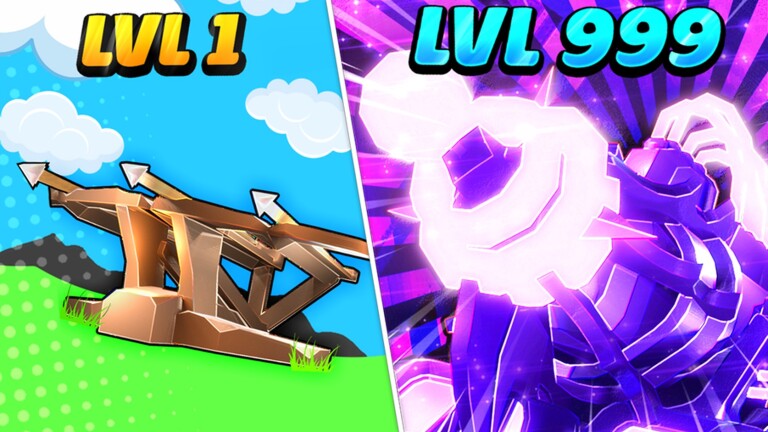
Tower Merge Simulator is a Roblox strategy game where you merge towers of different shapes and sizes into taller, stronger towers that attack incoming enemies.
▶ Play Tower Merge Simulator on Roblox
Active Tower Merge Simulator codes (1)
| Code | Reward |
|---|---|
MERGE | 100 Gems |
How to redeem Tower Merge Simulator codes

Launch Tower Merge Simulator on Roblox.

Click the Shop button on the right side of the screen.
Scroll to the bottom or click the Codes button at the bottom right of the menu.

Enter a code into the box that appears.
Why is a code not working?
Most failed codes are expired, typed with a typo, or already redeemed on your account. Codes are usually case-sensitive, so copy them exactly as shown, and check the requirements section on this page.
Expired Tower Merge Simulator codes
Tower Merge Simulator codes — FAQ
What are the newest Tower Merge Simulator codes?
The newest confirmed Tower Merge Simulator code is MERGE, which gives 100 Gems. This page lists 1 active codes, cross-checked against several trackers on 30 October 2026.
How do I redeem Tower Merge Simulator codes?
Launch Tower Merge Simulator on Roblox. Click the Shop button on the right side of the screen. Scroll to the bottom or click the Codes button at the bottom right of the menu. Enter a code into the box that appears.
Why is my Tower Merge Simulator code not working?
Most failed codes are expired, typed with a typo, or already redeemed on your account. Codes are usually case-sensitive, so copy them exactly as shown, and check the requirements section on this page.
More Roblox codes
Treasure Smash Simulator codes · Tree Punch Simulator codes · Zombie Tag codes · Anime Artifacts Simulator codes · Anime Tycoon codes · Bacon Tower Tycoon codes · Boom Simulator codes · Build Tower Simulator codes · Clicker Party Simulator codes · Control Army 2 codes · Defenders Depot codes · Demon Tycoon codes · All 2690 Roblox code lists →
Never miss a new code! 📌
Follow Codes Hub on Pinterest — we pin every new Roblox code list as soon as it drops, so free rewards never expire on you.
One click and you follow us straight away — you stay on this page.