Ultimate Retail Tycoon Codes Checked 30 October 2026
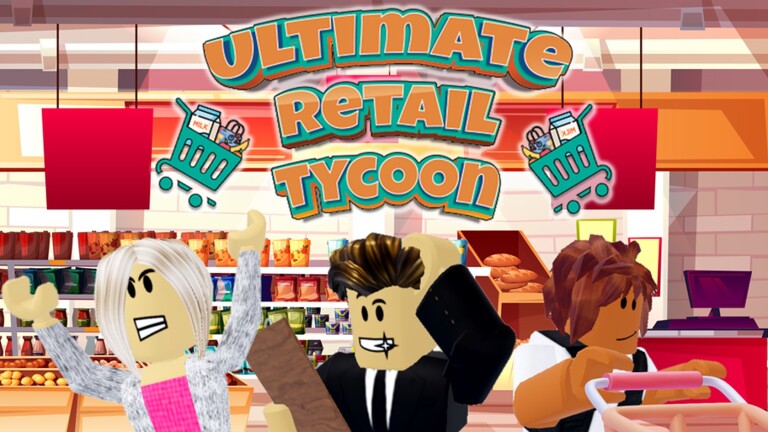
Ultimate Retail Tycoon has you building and running your own shopping mall, stocking stores and serving customers to grow your retail empire. Codes give lump sums of free Cash so you can expand your mall faster.
▶ Play Ultimate Retail Tycoon on Roblox
Active Ultimate Retail Tycoon codes (3)
| Code | Reward |
|---|---|
RoGroup77 | 7,777 Cash |
Twitter77 | 7,777 Cash |
1000Likes | 35,000 Cash |
How to redeem Ultimate Retail Tycoon codes

Launch Ultimate Retail Tycoon on Roblox.
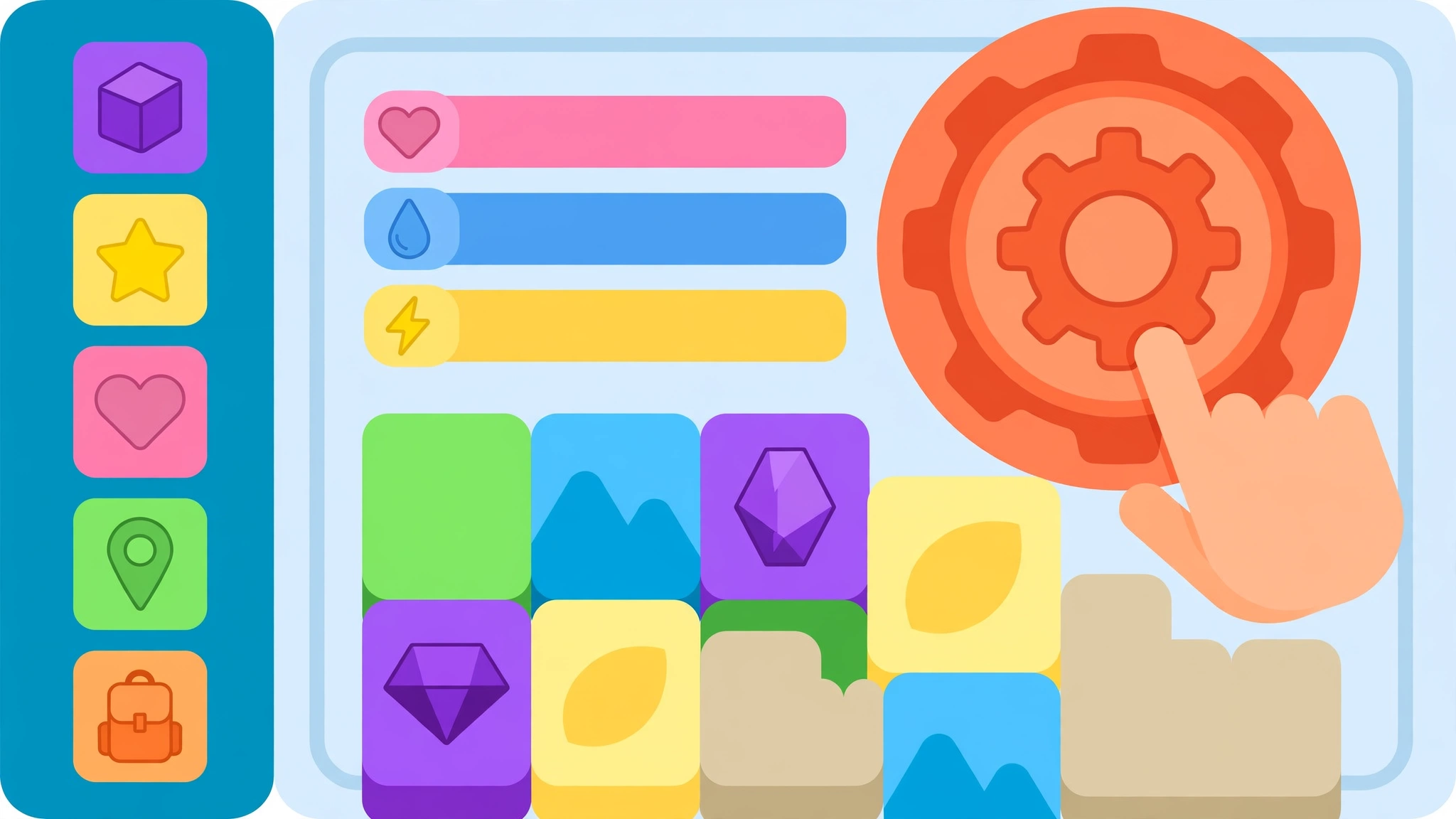
Press the Settings icon on the right side of the screen.

Enter the code into the "Type Here!" box.

Press the confirm icon to claim your reward.
Why is a code not working?
Most failed codes are expired, typed with a typo, or already redeemed on your account. Codes are usually case-sensitive, so copy them exactly as shown, and check the requirements section on this page.
Expired Ultimate Retail Tycoon codes
Ultimate Retail Tycoon codes — FAQ
What are the newest Ultimate Retail Tycoon codes?
The newest confirmed Ultimate Retail Tycoon code is RoGroup77, which gives 7,777 Cash. This page lists 3 active codes, cross-checked against several trackers on 30 October 2026.
How do I redeem Ultimate Retail Tycoon codes?
Launch Ultimate Retail Tycoon on Roblox. Press the Settings icon on the right side of the screen. Enter the code into the "Type Here!" box. Press the confirm icon to claim your reward.
Why is my Ultimate Retail Tycoon code not working?
Most failed codes are expired, typed with a typo, or already redeemed on your account. Codes are usually case-sensitive, so copy them exactly as shown, and check the requirements section on this page.
More Roblox codes
Flashlight Tag codes · Dragon Orbz codes · Merging Legends codes · EZ Robot Simulator codes · Find the Markers codes · Zo Samurai codes · Squiddy Game codes · Obby But You're A Cube codes · Be Fat codes · Bakon codes · Beekeepers codes · Bellu Piece codes · All 2690 Roblox code lists →
Never miss a new code! 📌
Follow Codes Hub on Pinterest — we pin every new Roblox code list as soon as it drops, so free rewards never expire on you.
One click and you follow us straight away — you stay on this page.